
Contact & context
Who is asking, what is the request and what happened before?
Ask Griffi about customers and previous jobs, or have a quote or invoice prepared. You review the draft and approve it.
Everything in view
In HQ, each enquiry has its contact details, messages, documents and open tasks.
Who is asking, what is the request and what happened before?
What happens next, who reviews it and what is complete?
Store your services, prices, opening hours and procedures. Griffi uses this information in webchat, on the phone and in chat or voice conversations.
What was prepared, approved and completed in a traceable way?
Four modules + documents included
Light and Standard can be built modularly. Premium automatically bundles AI Phone, Inbox Agent and Appointments & Follow-up; API/Integrations remains addable at every tier. Resource Management is in planning and not bookable yet. Quotes & invoices are included in every base plan regardless.
An everyday example
A customer calls and sends photos by email. Griffi attaches the details to the same enquiry. With the relevant modules, a quote draft and appointment planning follow.
Request, contact and urgency are captured in a structured way.
Company knowledge, history and rules are connected to the case.
A reply, task, document or appointment is prepared in the right module.
A responsible person reviews wherever a deliberate decision is needed.
Status, result and open next steps remain traceable.
Clear responsibility
Griffi captures and organises enquiries. Email replies, quotes and invoices remain drafts until you approve them.
Structure, assign, remind, calculate volumes and trigger clearly defined next steps.
Prepare email replies, quotes, invoices and content before approval.
Professional responsibility, sensitive decisions, exceptions and the deliberate decision to send or finalise.
Your office colleague
Find customer information, ask for a job summary or dictate the details for a quote. Griffi prepares the draft.
Searches contacts, cases and the knowledge base in one conversation.
Notes and reviewable quote/invoice drafts take shape in the conversation.
You approve quotes, invoices and email replies. Appointment confirmations and reminders follow your configured rules; payments, permission changes and outbound calls remain excluded.
Does Griffi fit your business?
For example, capture customer enquiries, draft replies or prepare quotes.
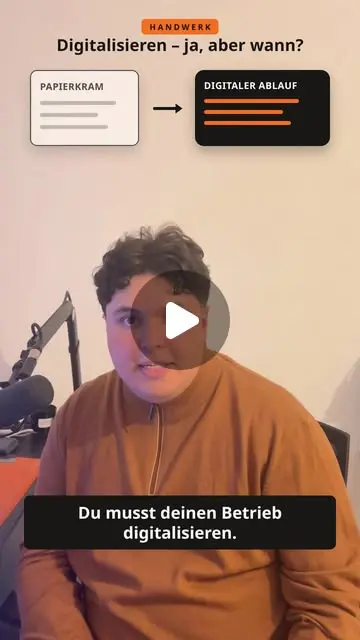 Digitalise your business, but when? After ten hours on site, quotes, emails and voicemail are still waiting. (opens Instagram in a new tab)
  How much does your AI know about your business? With your trade, services and prices it gets more specific. (opens Instagram in a new tab)
  Writing an email and sending it are two different things. An example with a late payment. (opens Instagram in a new tab)
  Tarik calls Griffi with no cuts in the call: a cold radiator, a few follow-up questions, then the summary in the inbox. (opens Instagram in a new tab)
  You are up on a roof and the phone rings. Griffi answers and notes the request, location and preferred appointment. (opens Instagram in a new tab)
  Paperwork in the trades: Griffi takes the call, opens the job and prepares the quote and invoice. You approve. (opens Instagram in a new tab)
 Compare the plans and start with the office tasks you need help with.